
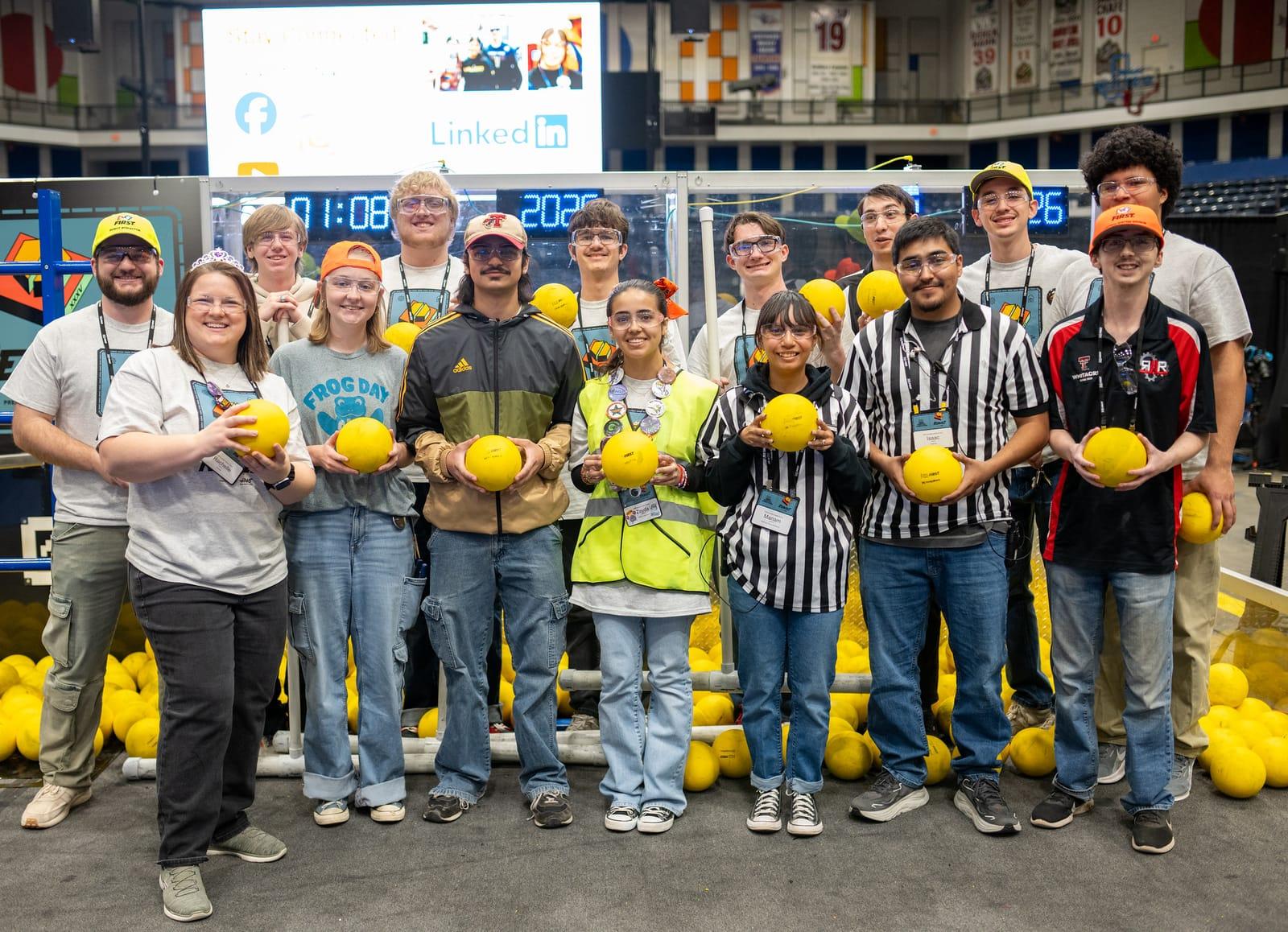
No experience required
Volunteer with FIRST® Texas
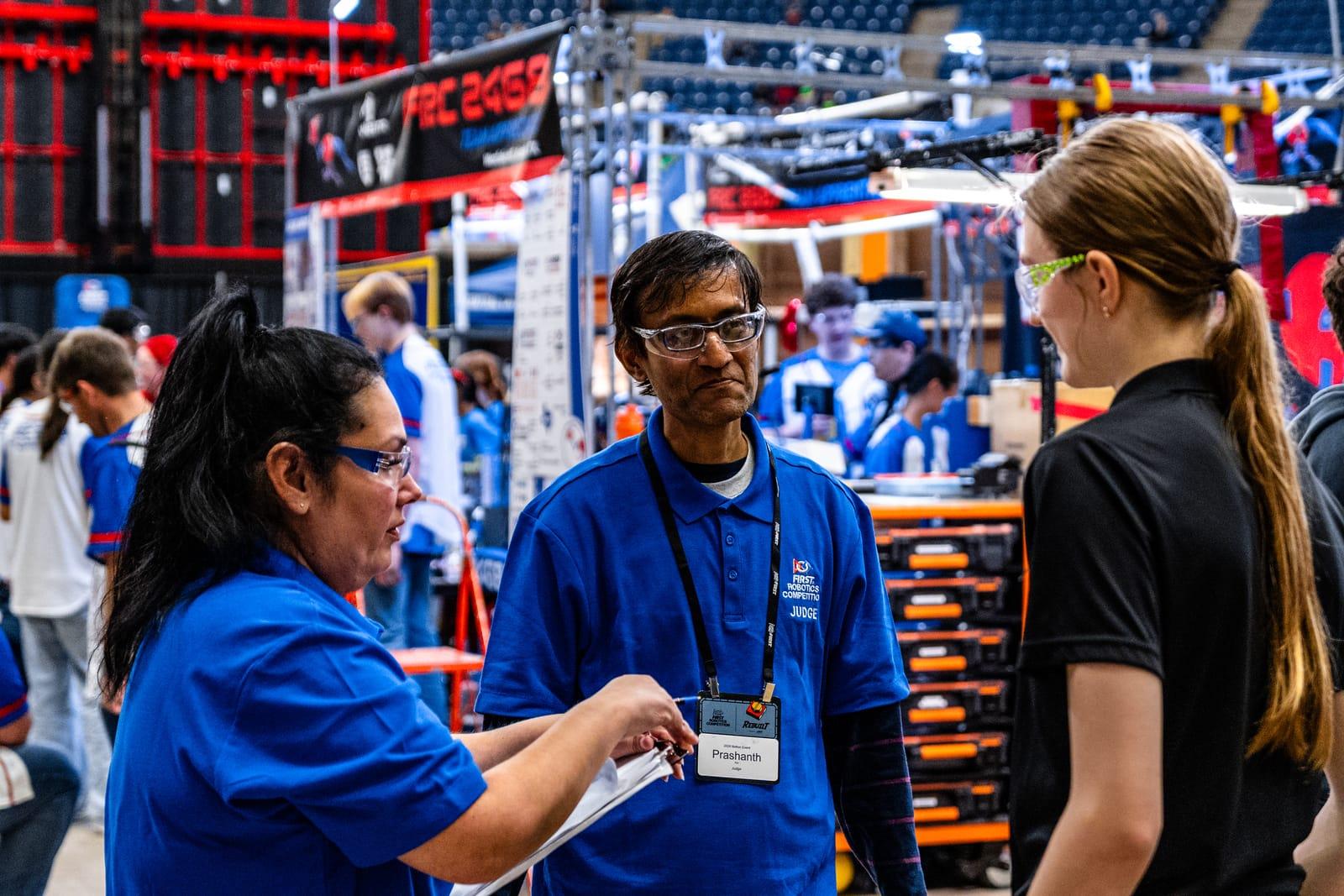
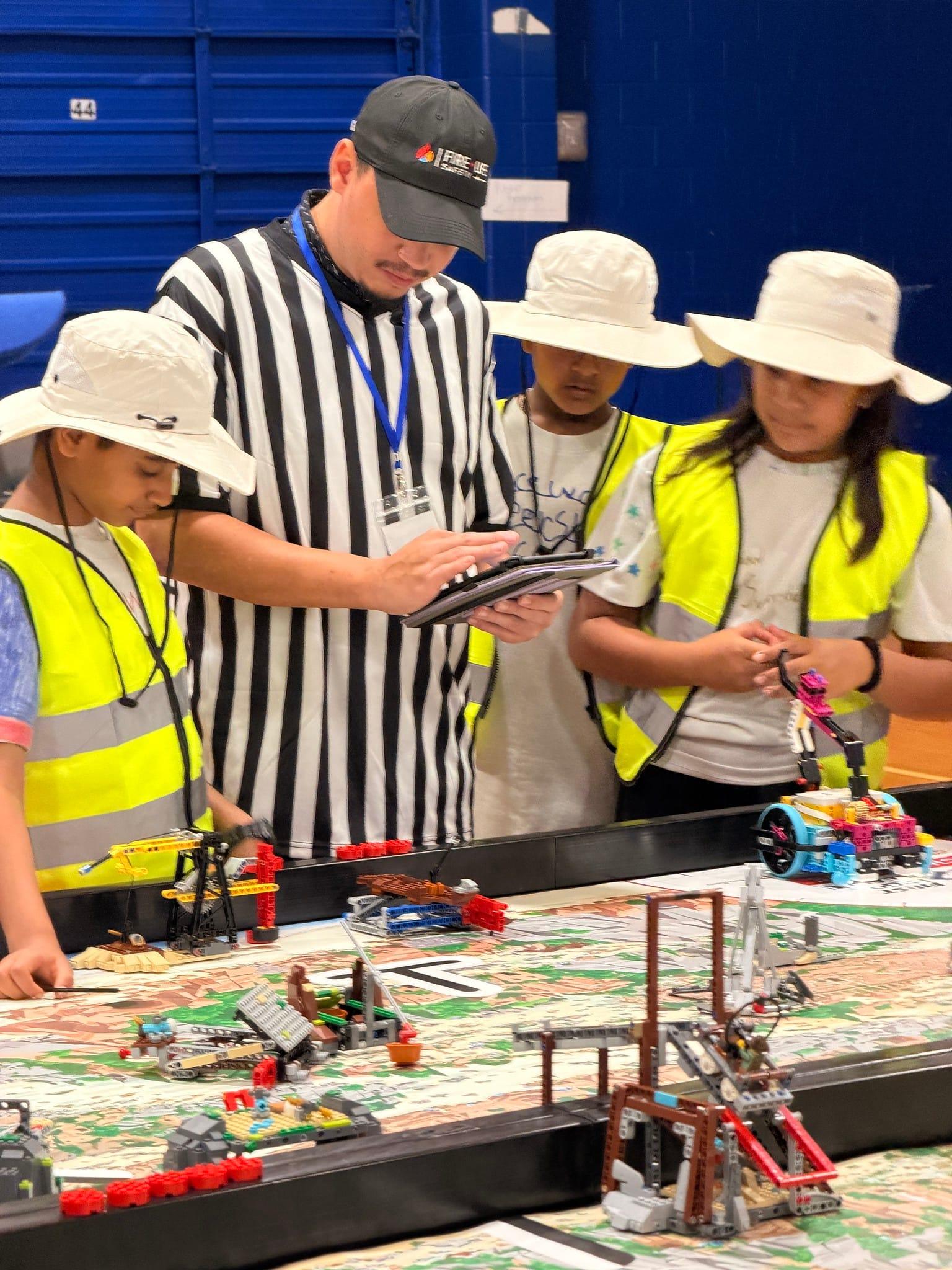
Judges, referees, field crew, event support, and more. No robotics background needed.
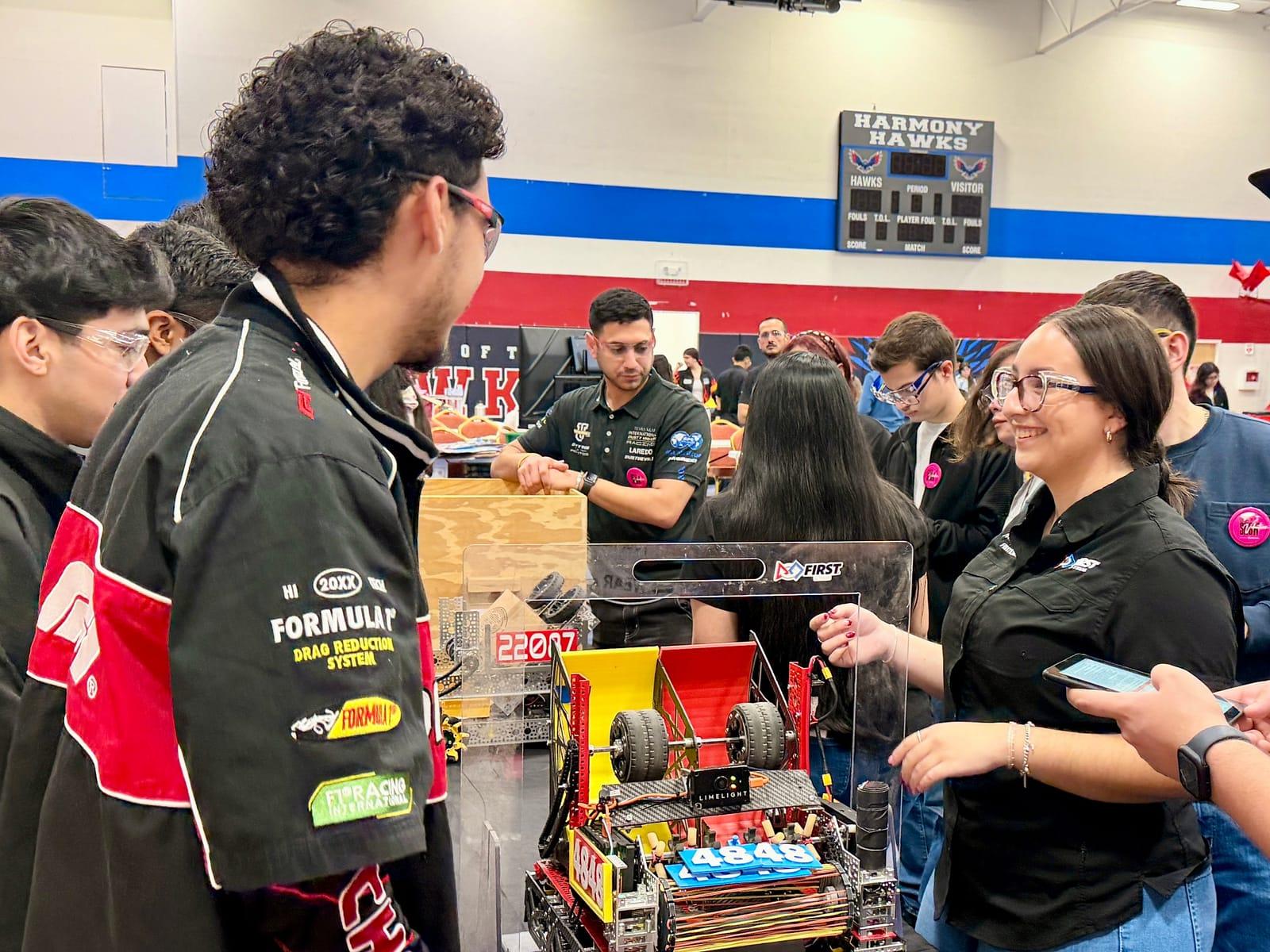
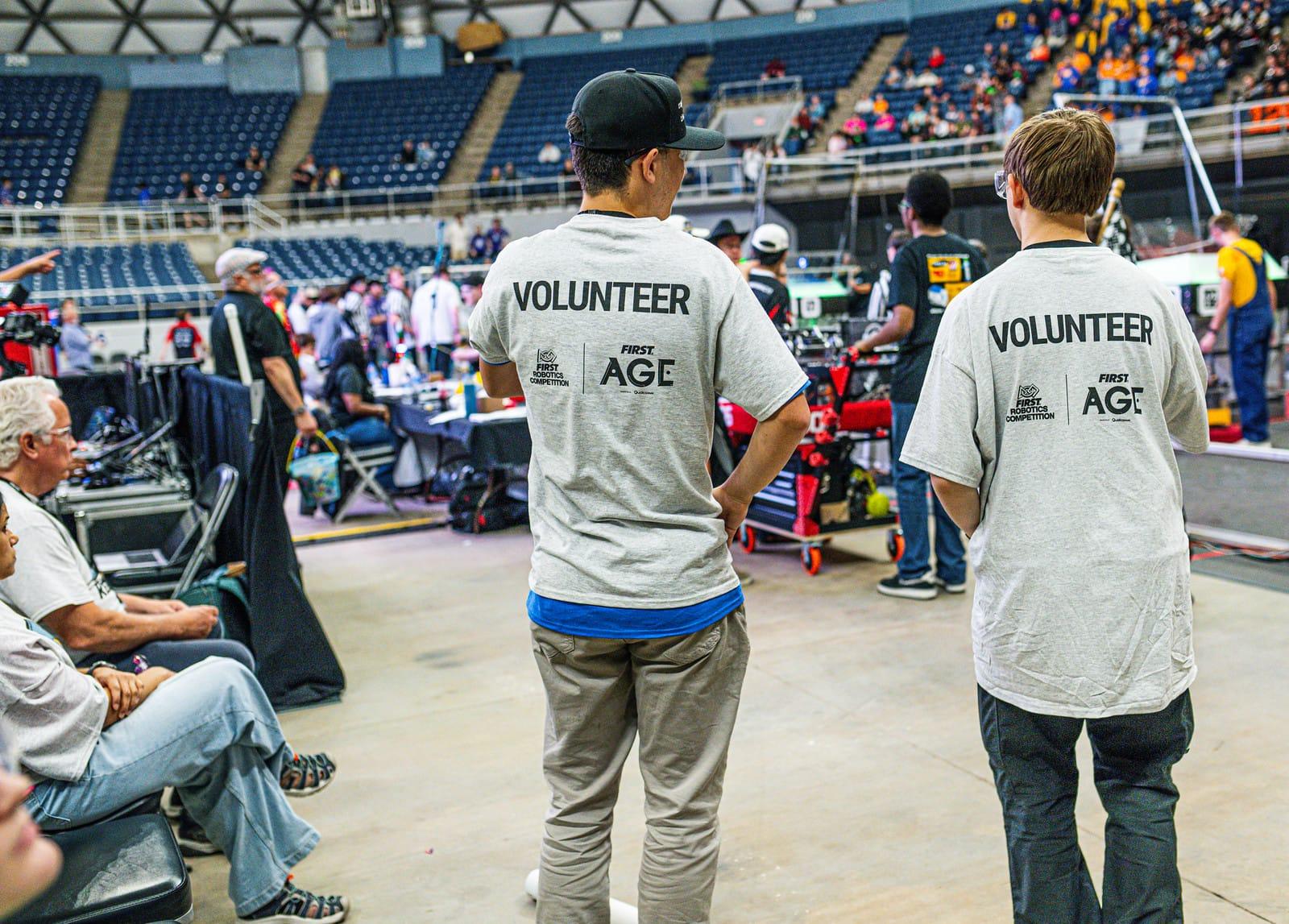
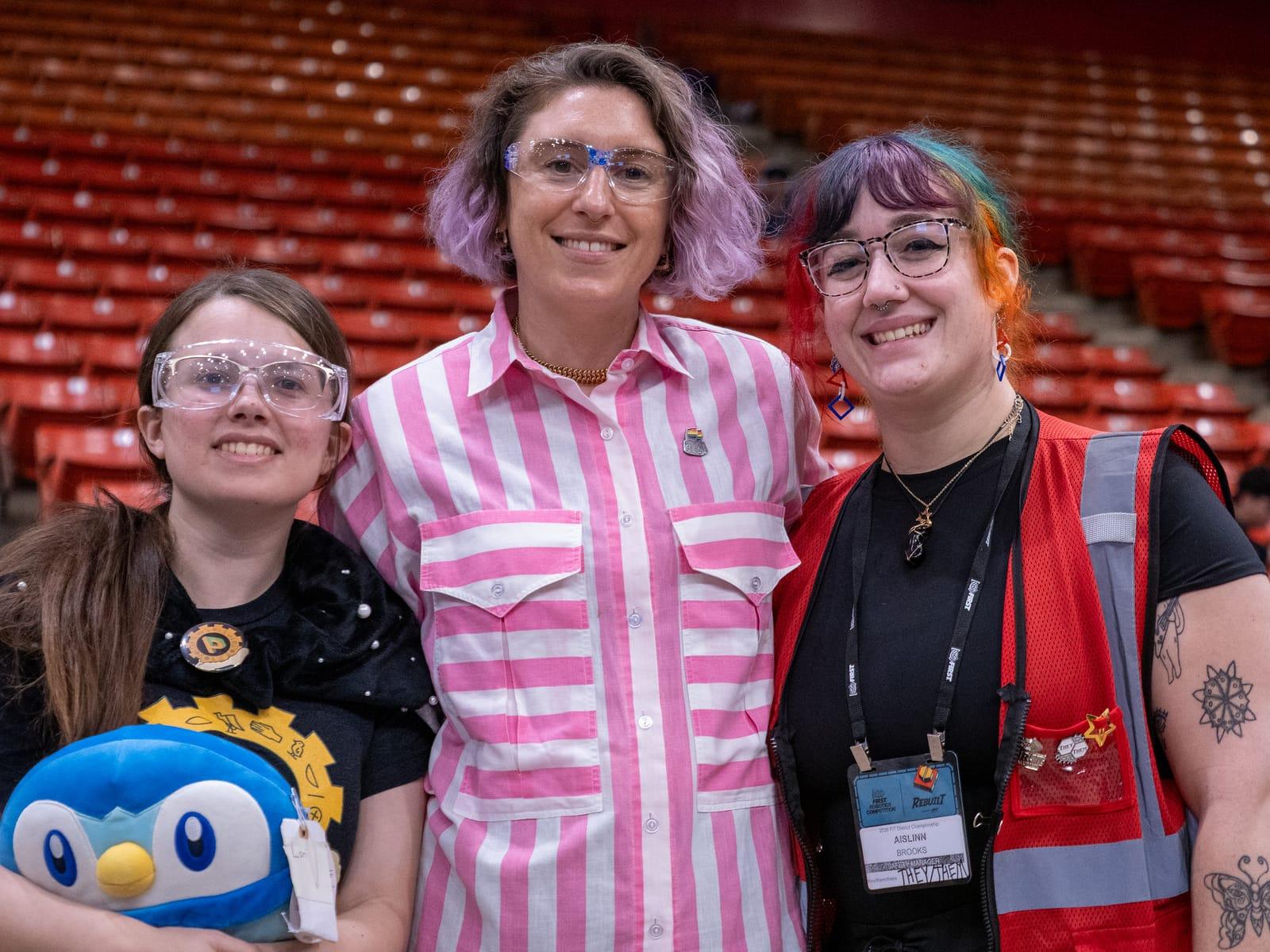
Volunteers are the heart of FIRST®. Corporate employees, educators, parents, retirees, and college students power every event we run. Give a few hours at an event or support the whole season as a mentor. Either way, we’ll train you for the role.
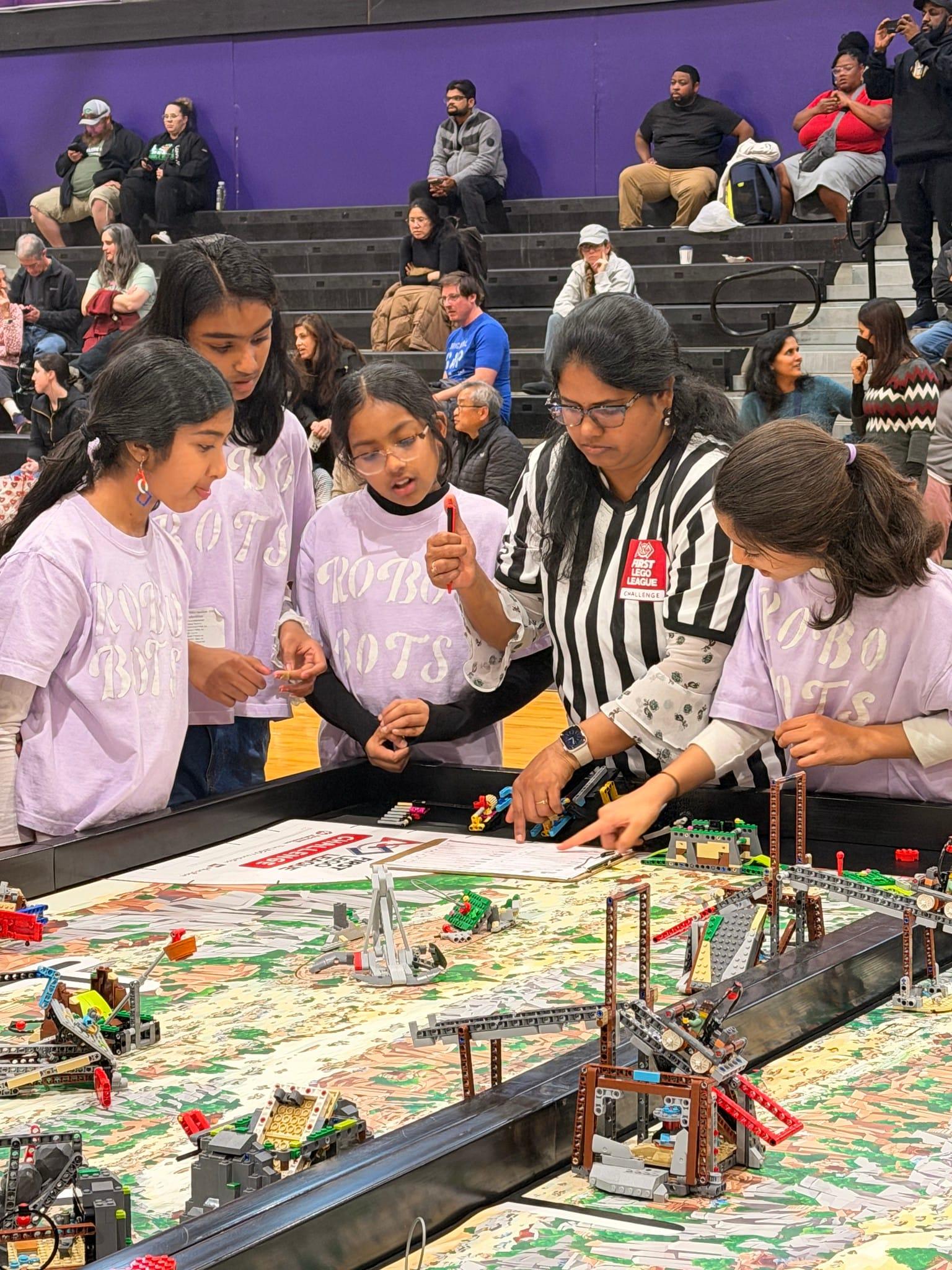
Make a real impact
Help students build confidence, teamwork and a passion for STEM.
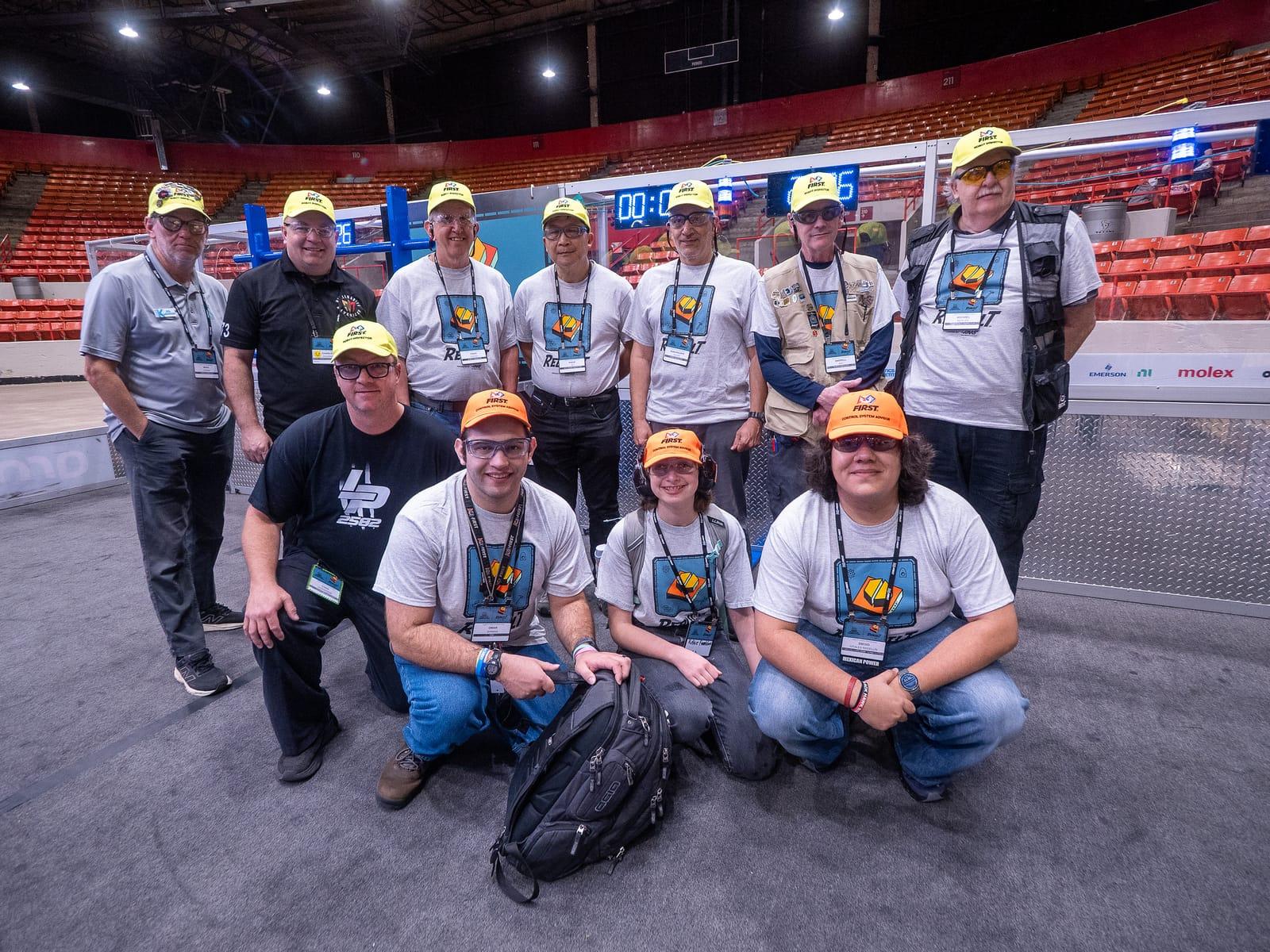
Join a vibrant community
With cheering crowds and fast-paced matches, a FIRST event is a varsity sport for the mind. It’s loud, inspiring and unforgettable.
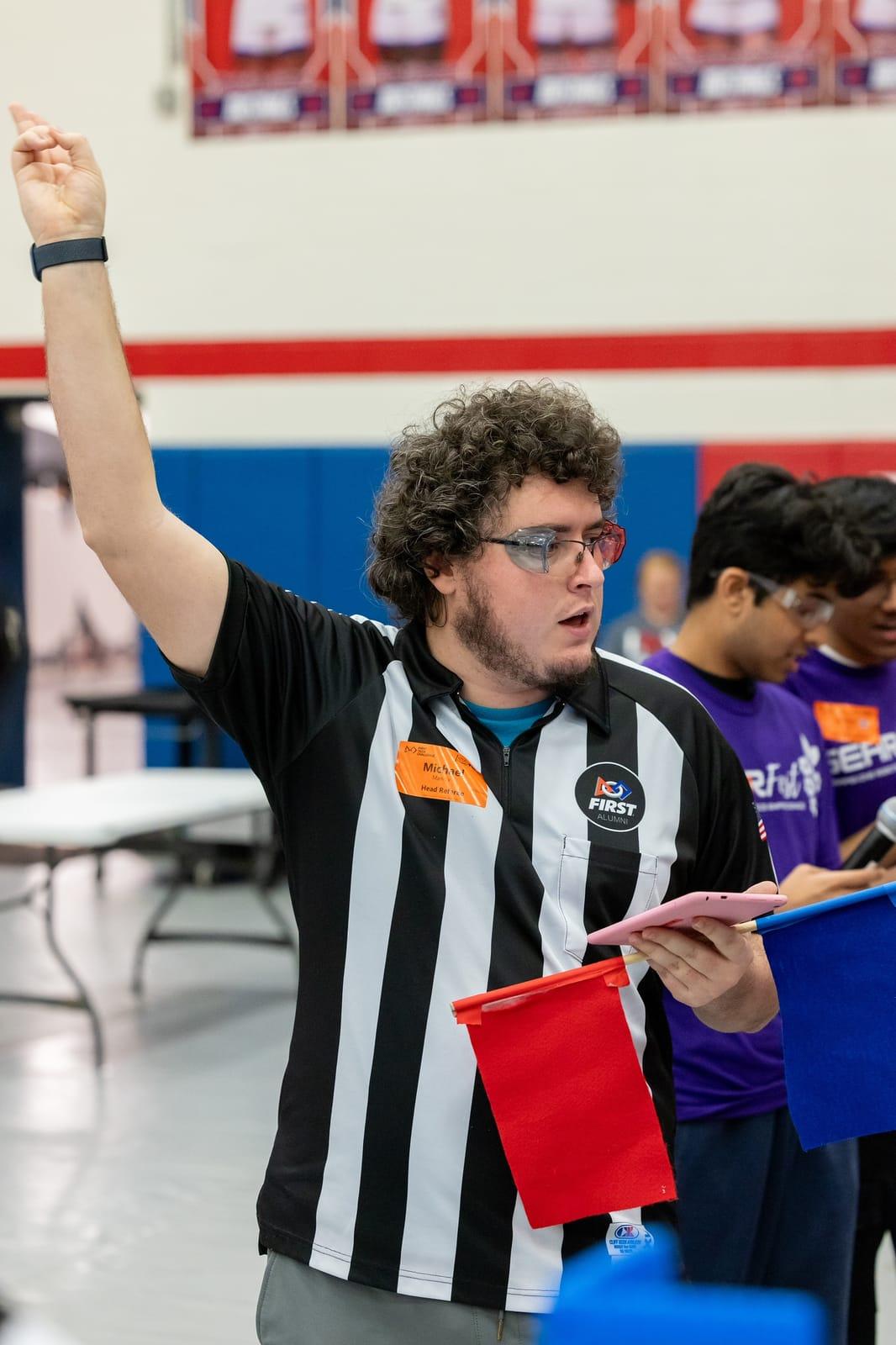
Gain new skills
Receive training, build leadership skills, and connect with passionate mentors and STEM supporters across Texas.
Before your first event
The six steps to volunteering
Registration, screening and training all happen in FIRST’s own systems, not on this site — these are the six steps and what each one asks of you. Start step 4 early: the background screening can take up to ten working days to come back, and you can’t be assigned to an event until it has.
Step 1 · Create an account
If you don’t already have a FIRST account, create one. Otherwise, proceed to Step 2.
Start volunteer registrationStep 2 · Find an event
In the Dashboard, Switch Persona and select Event Volunteer. After switching persona, click Volunteer for an Event and then search for an event. Filter down the list by program, location and date, then press Apply Filters.
Open the FIRST DashboardStep 3 · Apply for a role
Pick the event, then pick a role. Start as a Judge — it’s the best way to get involved and no experience is required. Training will be provided before the event. Add a team affiliation if you have one, then press Complete.
Explore every volunteer roleStep 4 · Youth protection
Everyone over 18 completes a free background screening — allow 5 to 10 working days, so start it early — and the Volunteer Ready training path, about an hour of content: Welcome to FIRST and Youth Protection Training. The screening starts from your Dashboard, under your name → Youth Protection Screening → Go to Screening Partner. Use the same email address as your FIRST account.
Complete Youth Protection trainingStep 5 · Consent & Release
Sign the FIRST Consent & Release form. On the Dashboard, visit My Policies → Acknowledgement Forms → sign the annual Consent and Release.
Where to sign itStep 6 · Role training
If your role needs its own training you are enrolled automatically, and a Roles Missing Certification section appears on your Volunteer Dashboard — press Review Outstanding Tasks to get to it.
Open the FIRST training portal

What happens next
Once you are assigned a role, the event director emails you with any training you still need, the schedule, and directions and parking. On the day: check in first thing, wear comfortable clothes and closed-toed shoes, and expect to be fed at most events.
Ready when you are
Step 1 takes a couple of minutes. Start the screening in step 4 the same week if you can — it is the only part with a wait, and everything else can happen while it runs.
Stuck on any of it? Email texasinfo@firstinspires.org and we’ll walk you through it.