
Stuck? There are three ways to reach a person, and all of them answer you here on the site.
- Help — a question about your team, an event or your account.
- Suggest a change — something on a page is wrong, broken or could be better.
- Contact your RPA — a question for the Regional Program Administrator who runs your region.
Ask for help
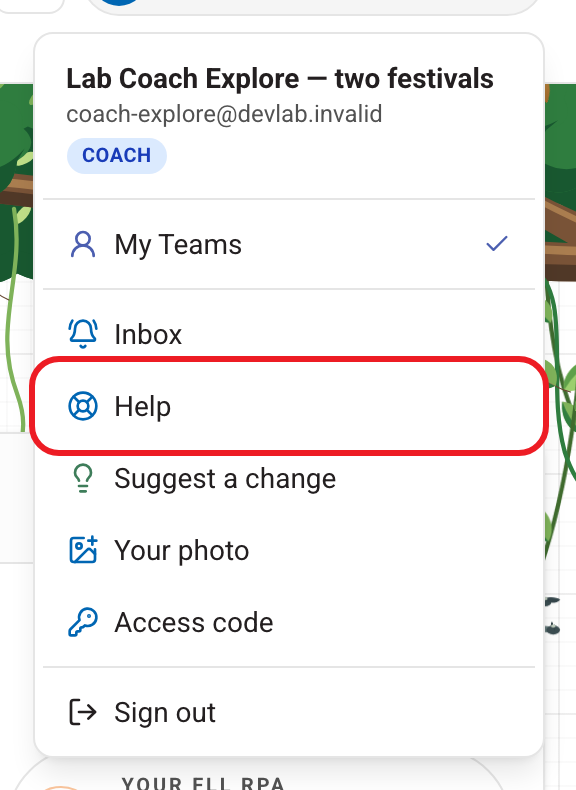
- Open the account menu — your name, top right.
- Choose Help.
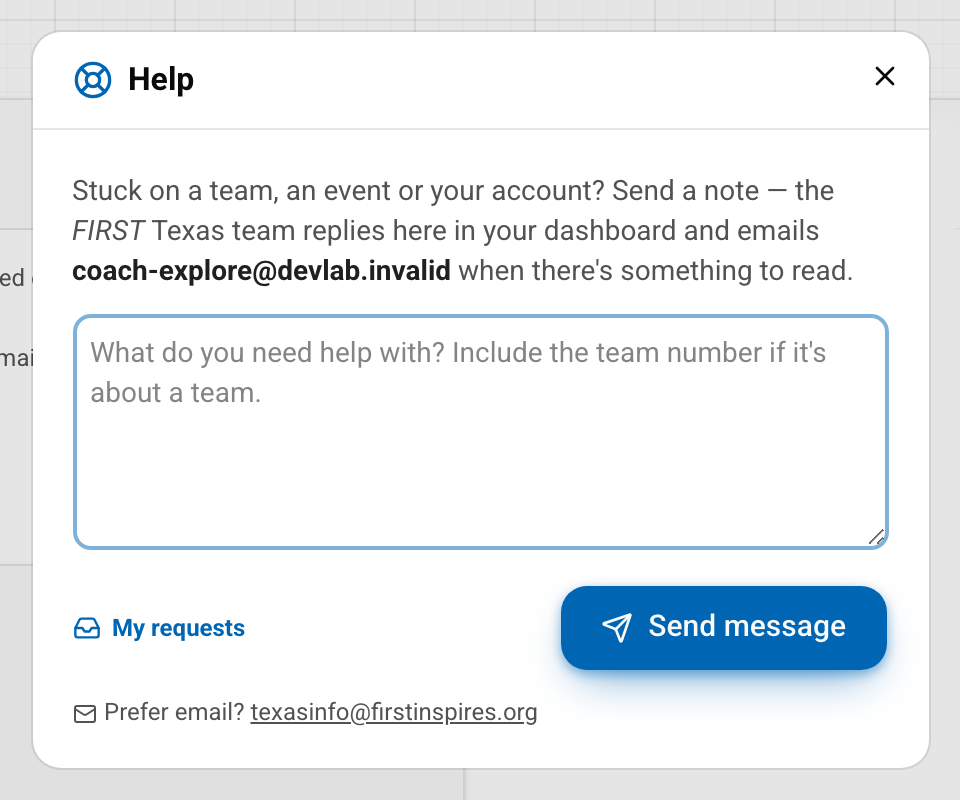
- Write what you need. Include your team number if it is about a team.
- Press Send message.
Your request gets a number, like #100245. It usually goes first to the RPA for your region. If your RPA needs to, they bring in FIRST Texas staff. If your teams are in more than one region, it goes to FIRST Texas staff.
Where the answer shows up
- Under My requests at /coach/help. You can read every reply there and write back. Writing back reopens a closed request.
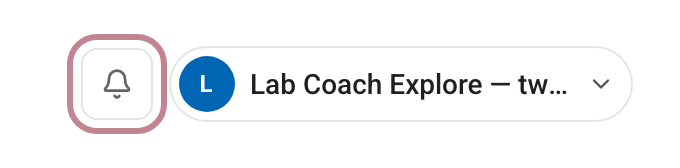
- On the bell at the top of the page, which lights up when there is something new. Press it to open your Inbox.
Report something on a page
If a page is wrong, broken or confusing, use Suggest a change from the same account menu while you are on that page. It records which page you were on, so you only need to say what is wrong.
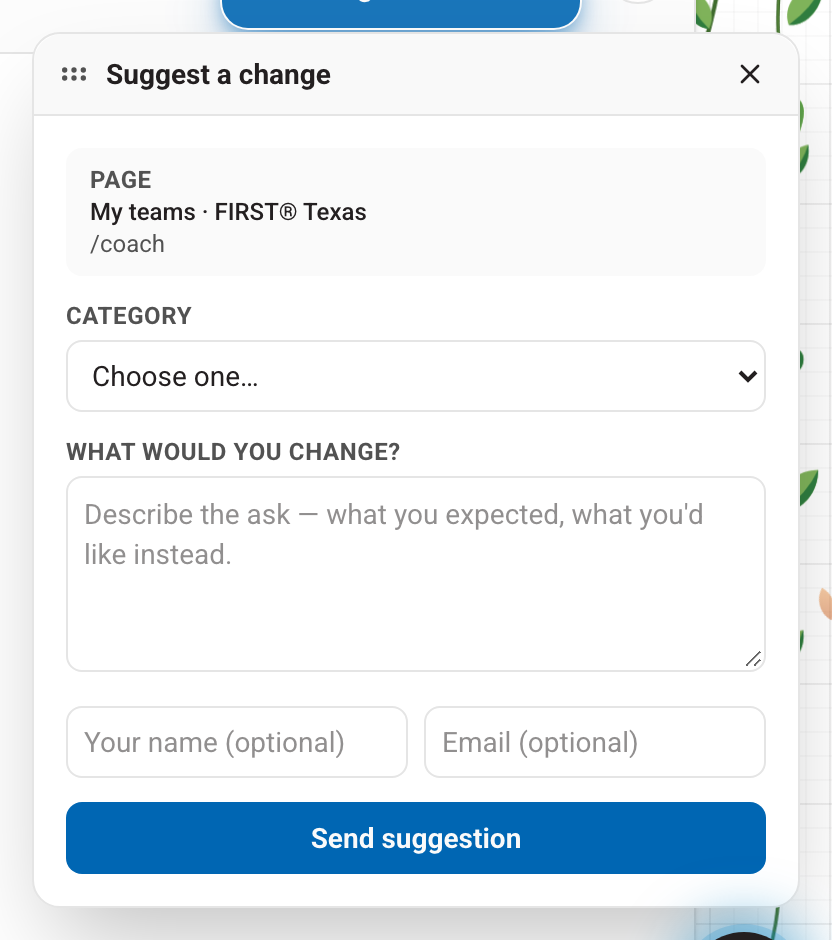
Suggestions go to the people who maintain the site. Use Help instead if you need an answer about your own team.
Contact your RPA
On your dashboard, the Your FLL RPA card names the RPA for your region. Press it, choose who to send to, add a subject and a message, and press Send.
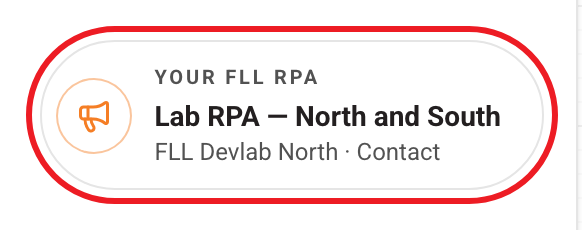
Your RPA sees it on their bell, and the reply comes to your Inbox. The same box also shows their email address if you would rather write directly.
Not sure which to use? Start with Help. A person reads every request.
If you just need a word explained, see Words we use.