
Your team card and the event page always say why you can't choose. Find the message you see below.
"Your RPA places teams in …"
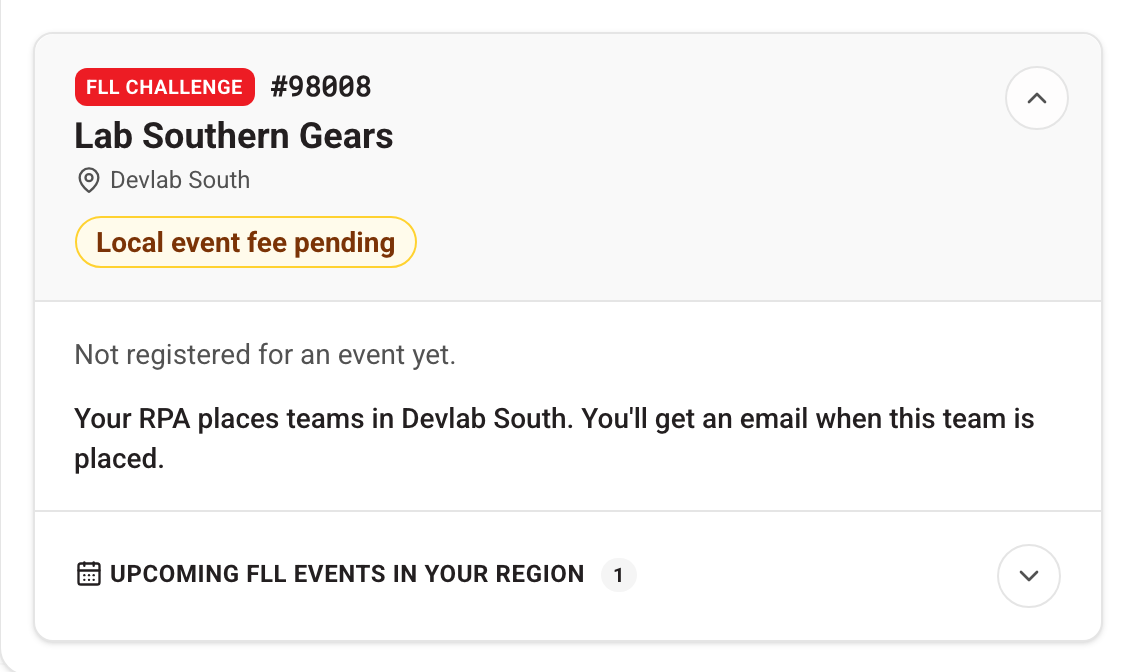
In some regions coaches don't choose events. Your Regional Program Administrator (RPA) assigns each team instead. The card and the event list both say so.

What to do: nothing. You'll get an email when your team is placed. Your RPA's name is on the card above your teams if you have a question.
Selection hasn't opened yet
If your region has an announced opening time, your dashboard shows "Event selection for … opens" with a countdown, and the events sit under Opening soon. What to do: come back at that time. The button unlocks on its own.
The event is full
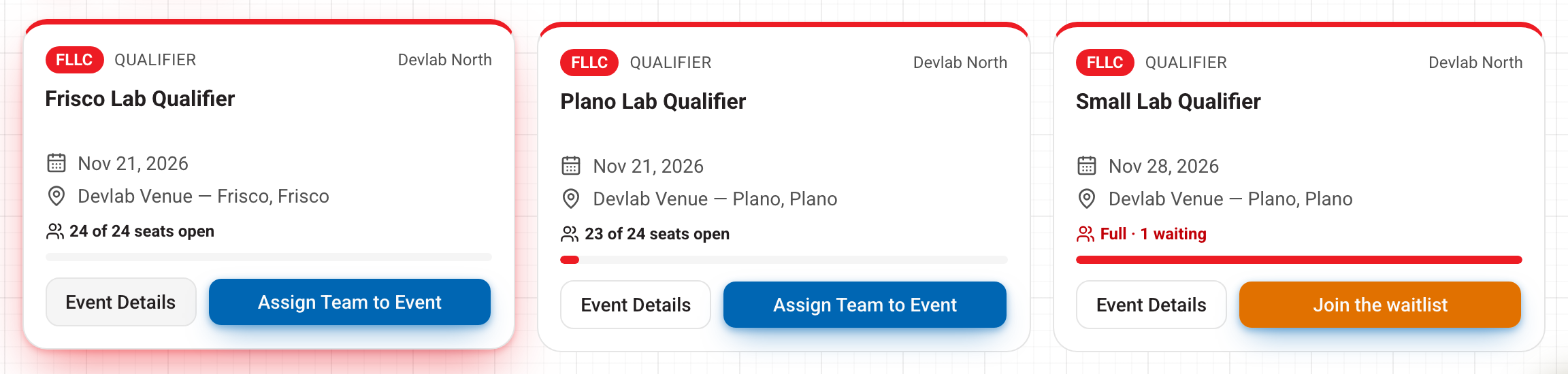
When every seat is taken, or other teams are already waiting, the event shows Full or Waitlist only and the button becomes Join the waitlist. Places on a waitlist are given out by your RPA. They are not filled automatically or in sign-up order. If the waitlist itself has a limit and is full, you'll be asked to talk to your RPA about other events.
What to do: choose another event with seats open, or join the waitlist.
The event isn't in my list
The list shows only events your team can choose:
- Other regions. Qualifiers and festivals are for teams in their own region. Statewide events are open to everyone.
- Events your RPA places teams at. Coaches choose qualifiers and festivals. Other kinds of event, such as championships, are filled by your RPA. Their calendar card says "Teams placed by your RPA".
- Closed selection. An event drops off the list once its selection window closes.
FIRST Tech Challenge and FIRST Robotics Competition teams
FTC and FRC teams sign up for events with FIRST, not on this site. Their cards on your dashboard are for information: your team, the events FIRST has listed it at, and what is coming up in your region.
"HQ: not secured"
As of mid-October we are not preventing teams from choosing events; this criteria will be activated sometime in early-mid November.
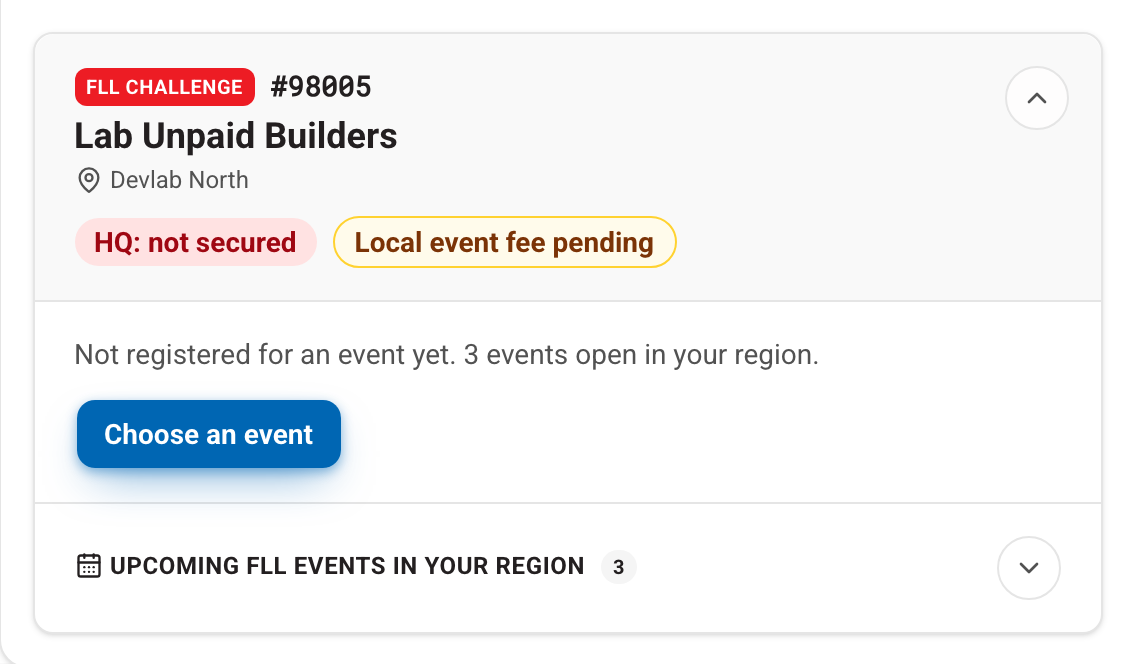
FIRST HQ marks a team Secured once its national season fee is paid. Until then the card shows a red HQ: not secured pill.
When the HQ Secured requirement is switched on, an unsecured team can't choose an event. The card then shows Event selection is locked, and the button reads Finish HQ registration first. On the event list, each button reads Locked · not Secured with HQ. You can still browse the events.
What to do: pay the season fee in your FIRST Dashboard. We refresh the roster from HQ every Wednesday and Friday, and selection unlocks after the next refresh.
A red HQ: not event ready pill is different. It lists what HQ still needs, such as Youth Protection screening or a second coach. It warns you but does not stop you choosing an event. Fix those items in your FIRST Dashboard too.
Still stuck? Open Help in the account menu and tell us the team number and the event. To change an event you already have, see Switching or withdrawing.