

Two different fees apply to your team, and the site shows each one separately. Neither is paid on this site.
- The HQ season fee is paid to FIRST HQ when you register your team for the season.
- The local event fee is the Texas fee for the event your team attends. It is paid in the FIRST Storefront, for each event.
The HQ season fee and "HQ Secured"
When FIRST HQ records your season payment, it marks your team Secured. We read that from the HQ roster, which we import twice a week, so it can take a few days to show here.
Until then your team card shows a red HQ: not secured pill. While the site requires it, an unsecured team cannot select an event, and the card says Event selection is locked. Finish season registration and payment in your FIRST Dashboard. Selection unlocks once the roster refreshes.
A red HQ: not event ready pill is a separate HQ check (Youth Protection screening, coaches, address). The card lists what HQ still needs. You fix those in your FIRST Dashboard too.
The local event fee and "Event ready"
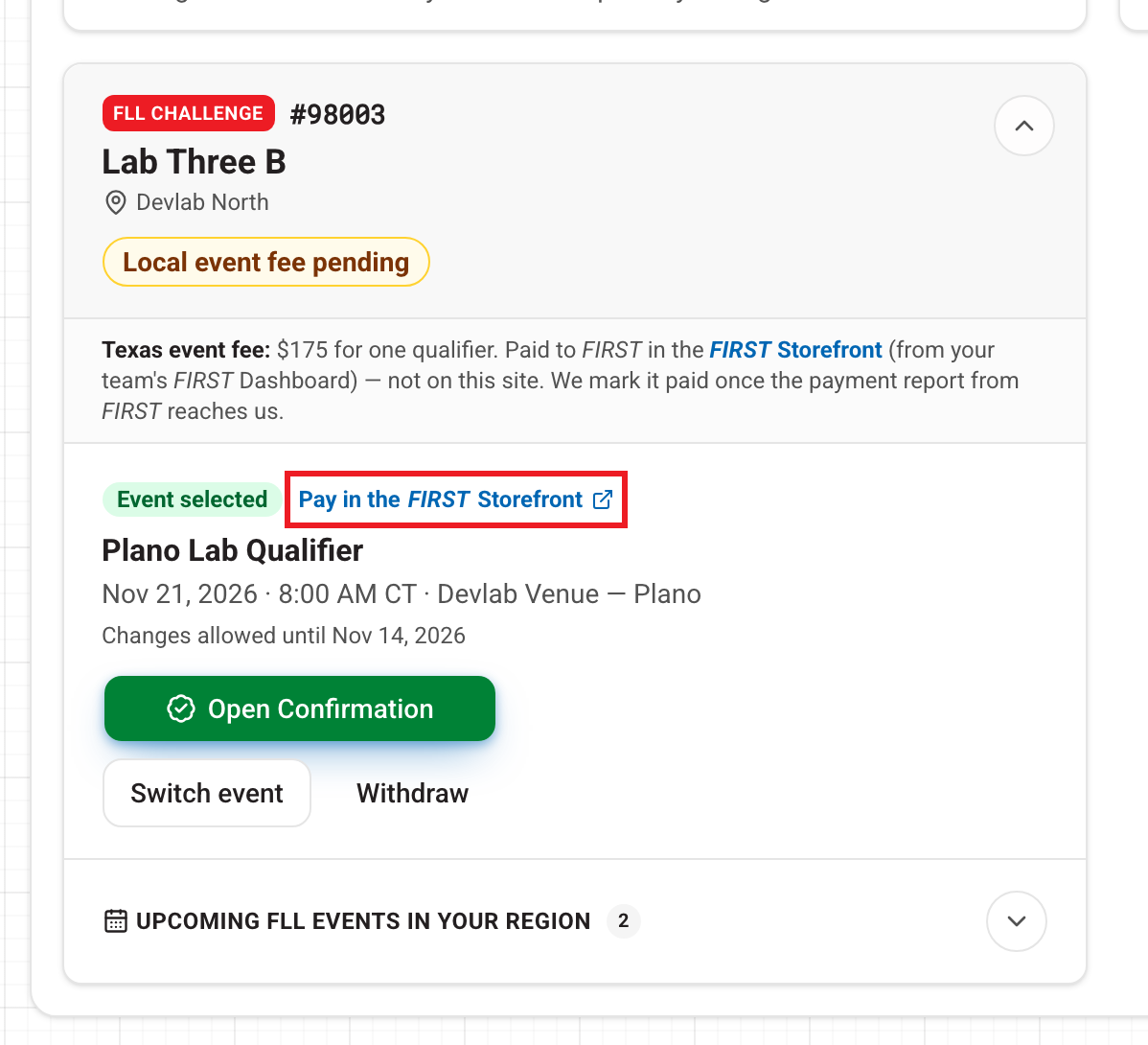
Once your team has a seat at an event, the card shows Local event fee pending. After the fee is paid and recorded, it changes to Event ready.
To pay, open the team card and press Pay in the FIRST Storefront. It takes you to your team's FIRST Dashboard, where the Storefront is. The card also states the fee for your team's program and region.
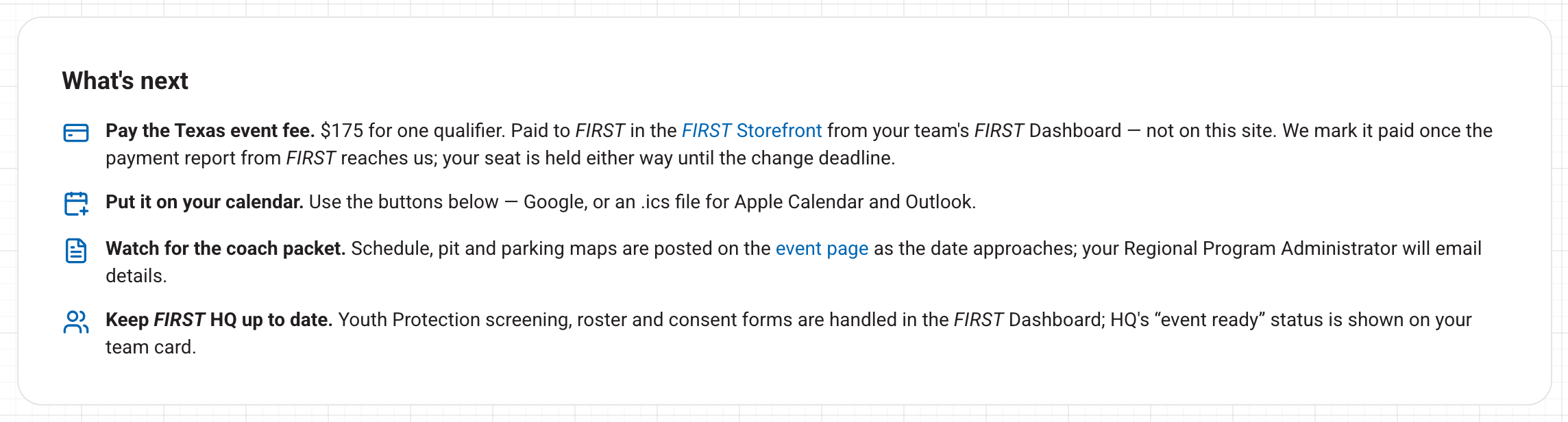
The confirmation page for the event says the same under What's next.
Why it still says "pending" after you paid
We mark the fee paid when the payment report from FIRST reaches us and we import it, so there is a delay between paying and seeing Event ready. Your seat is held in the meantime. If you paid before you picked an event, the payment is kept and applied when your team selects one.
Explore festivals
An Explore team can go to more than one festival, and each festival has its own fee. With several festivals, the card shows each one's Fee paid or Fee pending, and a count such as 1 of 2 fees paid.
How much
Fees differ by program and region. The card shows the amount for your team. The current list is on the program page under Pricing & registration, and that page is the final word.
A team that is only on a waitlist does not owe the event fee yet. See How the waitlist works.
Questions about a payment? Open Help in the account menu, or see Getting help.