

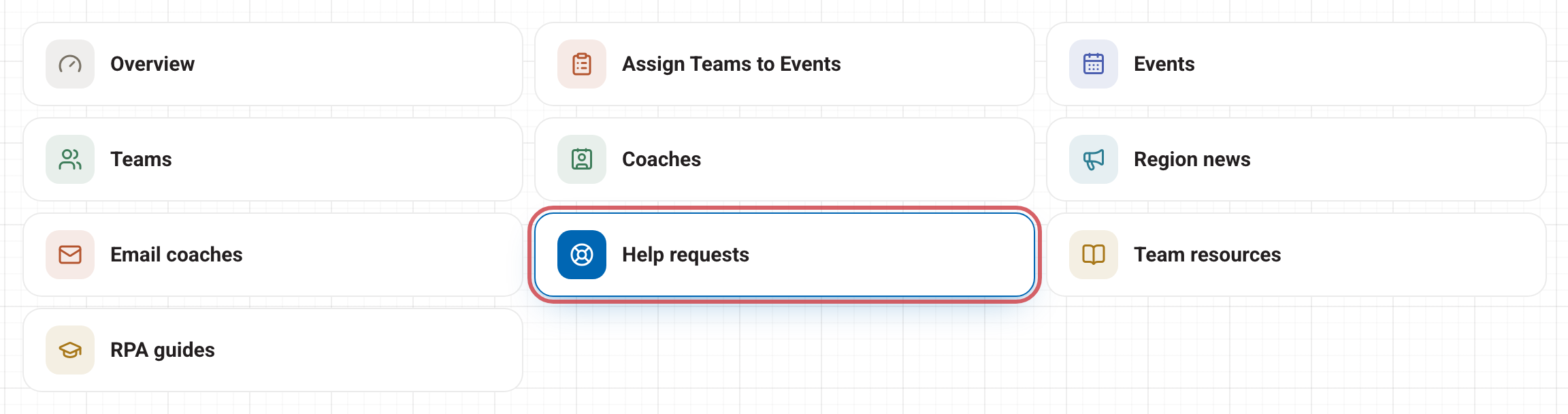
When a coach in your region asks for help, the request comes to you first, under Help requests on your dashboard. You can answer it yourself, or press Escalate to bring in FIRST Texas staff.
Which requests come to you
A request comes to you when every one of the coach's teams is in one region, and that region has an RPA. If a coach has teams in more than one region, or the region has no RPA, FIRST Texas staff handle it from the start.
When email is on, you get an email when a new request arrives, and when the coach replies.
Answer a request
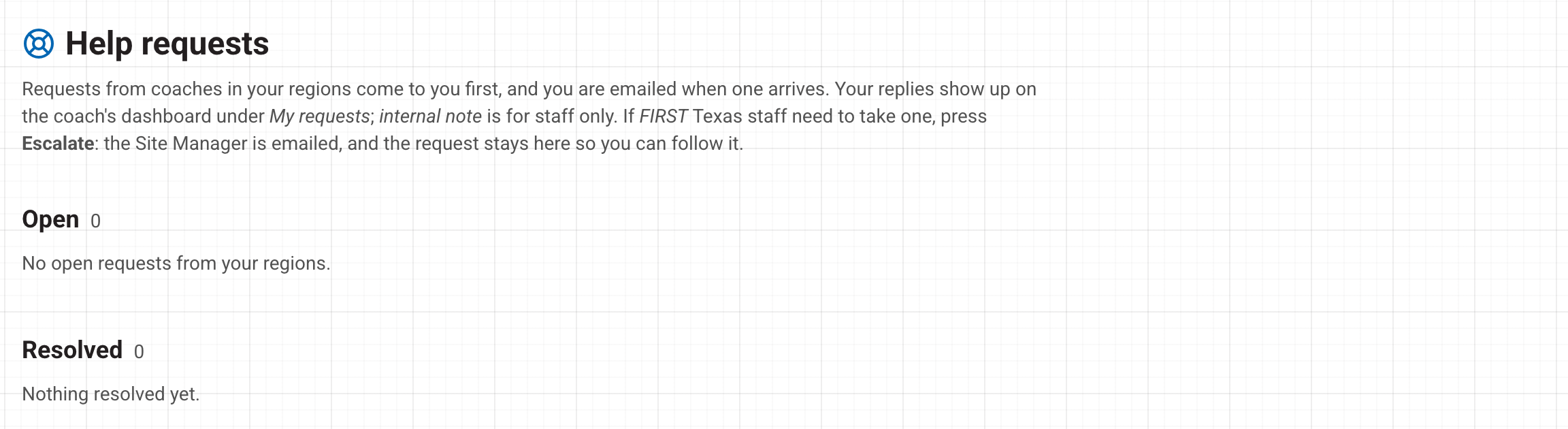
Each request shows the coach's message, the region it came from and its number.
- Type your answer in the box under the request: "Reply to the coach — they read it in their dashboard…"
- Leave email a notice ticked to send the coach a short email saying there is a reply. The email does not include your words. The coach reads your reply on their dashboard under My requests.
- Press Reply.
To leave a note that only staff can see, tick internal note before you press Reply. The coach never sees internal notes.
Close it
When the question is answered, press Resolve. Type a closing note (the coach reads it on their dashboard), then press Mark resolved. Leave Email the coach a notice that there is a reply ticked to let them know.
A resolved request moves to Resolved. Press Reopen if it needs more work. If the coach replies to a resolved request, it opens again.
Hand it to FIRST Texas staff
If you cannot answer a request, for example a fee problem or anything statewide, press Escalate.
- Optionally say why staff need to take it. The coach does not see this.
- Press Escalate to staff.
The Site Manager is emailed and the request goes to the top of the staff help queue. It also stays on your page, marked *Escalated to FIRST Texas staff*, so you can follow it and still reply. A request can only be escalated once.
Want to email coaches who have not asked anything? Use Email coaches on your dashboard, or see Posting region news. Stuck yourself? Open Help in the account menu at the top right.