(FLL Future Edition) November Coach Call Recap and Texas Event Updates
Thanks to everyone who joined our November 5 coach call! We covered which grade bands can compete in Texas, how to sign up for a qualifier, what confirmed teams need to pay, and where to find BIOGLOW™ season resources.
In This Update
- Temple waitlist extended through November 30. We’re giving school district teams that registered through LEGO® Education more time to apply while we resolve the access issue.
- Coach calls. Watch the November 5 recording, review the slides, and join our next call on December 10 at 6:30 p.m. CT.
- Texas qualifiers and FAQs. See where your team can compete, how to pay once your spot is confirmed, and which game rules we’re still clarifying.
View the November 5 coach call slides · Watch the November 5 coach call recording
Next Coach Call on December 10
Join us on Thursday, December 10, 2026, at 6:30 p.m. CT for our next Future Edition coach call. Join the call on Microsoft Teams
Signed Up with LEGO® Education and Interested in an Event?
We currenlty dont have your contact information. Please email us at texasinfo@firstinspires.org for us to assist you further!
Texas Qualifiers and Event Availability
Temple waitlist extended to November 30, 2026. On the November 5 call, we announced a November 11 deadline. Some school district teams that registered through LEGO® Education may be unable to apply yet, so we’re keeping teams on the waitlist through November 30 while we work to resolve the issue.
Temple and Friendswood are open to teams from across Texas. The new Ad Astra event serves teams in the South Texas region.
| Event | Date | How to apply |
|---|---|---|
| Temple | January 23, 2027 | Join the waitlist by November 30, 2026. Final assignments will follow after the waitlist closes. |
| Friendswood | February 6, 2027 | The November 5 coach call reported 12 open spots. Check the coach portal for current availability. Open spots are first come, first served. |
| South Texas qualifier hosted by Ad Astra | Contact the host for details | South Texas teams can email drivera@firstpartners.org. |
To select an event or join a waitlist on firsttx.org, sign in with the coach email on your FIRST team registration. Go to My teams, find your Future Edition team card, and select Choose an event. Check the card afterward for Event selected or Waitlisted. A waitlisted team still needs a confirmed assignment.
View Texas events · Get help choosing an event
Grade Bands and Advancement
Teams register in either the grades 3–5 or grades 6–8 band and compete together in a single grades 3–8 division at Texas qualifiers. For teams with students in both bands, we recommend registering in grades 6–8. Check the equipment requirements for your band before ordering, including the additional Hardware Bundle for grades 3–5.
Texas has no K–2 Future Edition events this season. If your K–2 team already registered or joined a waitlist, please contact texasinfo@firstinspires.org.
Qualifiers are entry-level competitions. Texas has no regional or state championships planned for Future Edition this season. We’re still waiting to learn whether Texas will receive spots at a global competition and how any spots would be awarded.
Payment Deadlines for Confirmed Teams
| Deadline | What to complete |
|---|---|
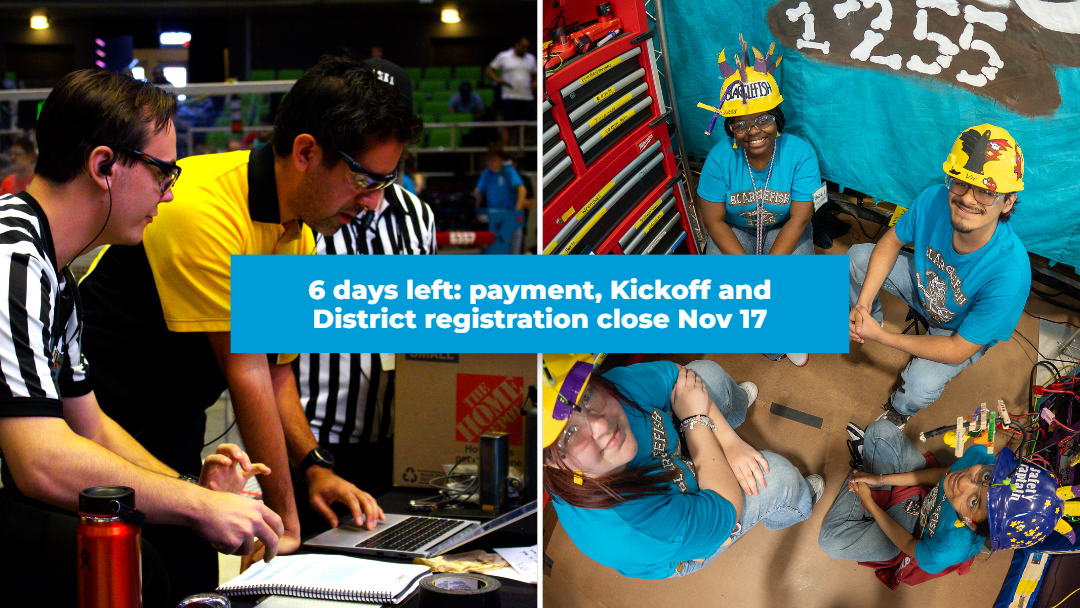
| November 15, 2026 | Complete your FIRST HQ season registration and any outstanding season registration payment through the FIRST Dashboard. |
| December 15, 2026 | Pay the $175 Texas qualifying event fee through the FIRST Storefront. Hold on paying until your slot is confirmed. |
If your team is waitlisted, wait for a confirmed assignment before paying the Texas qualifying event fee. Event placement is handled separately through the FIRST Texas coach portal.
Frequently Asked Questions
Will there be additional Future Edition events in Texas?
The events listed above are the only Texas Future Edition qualifiers we currently plan to offer this season.
Can our team compete at both Temple and Friendswood?
Each team can attend one Future Edition qualifying event.
How do I pay the Texas qualifying event fee?
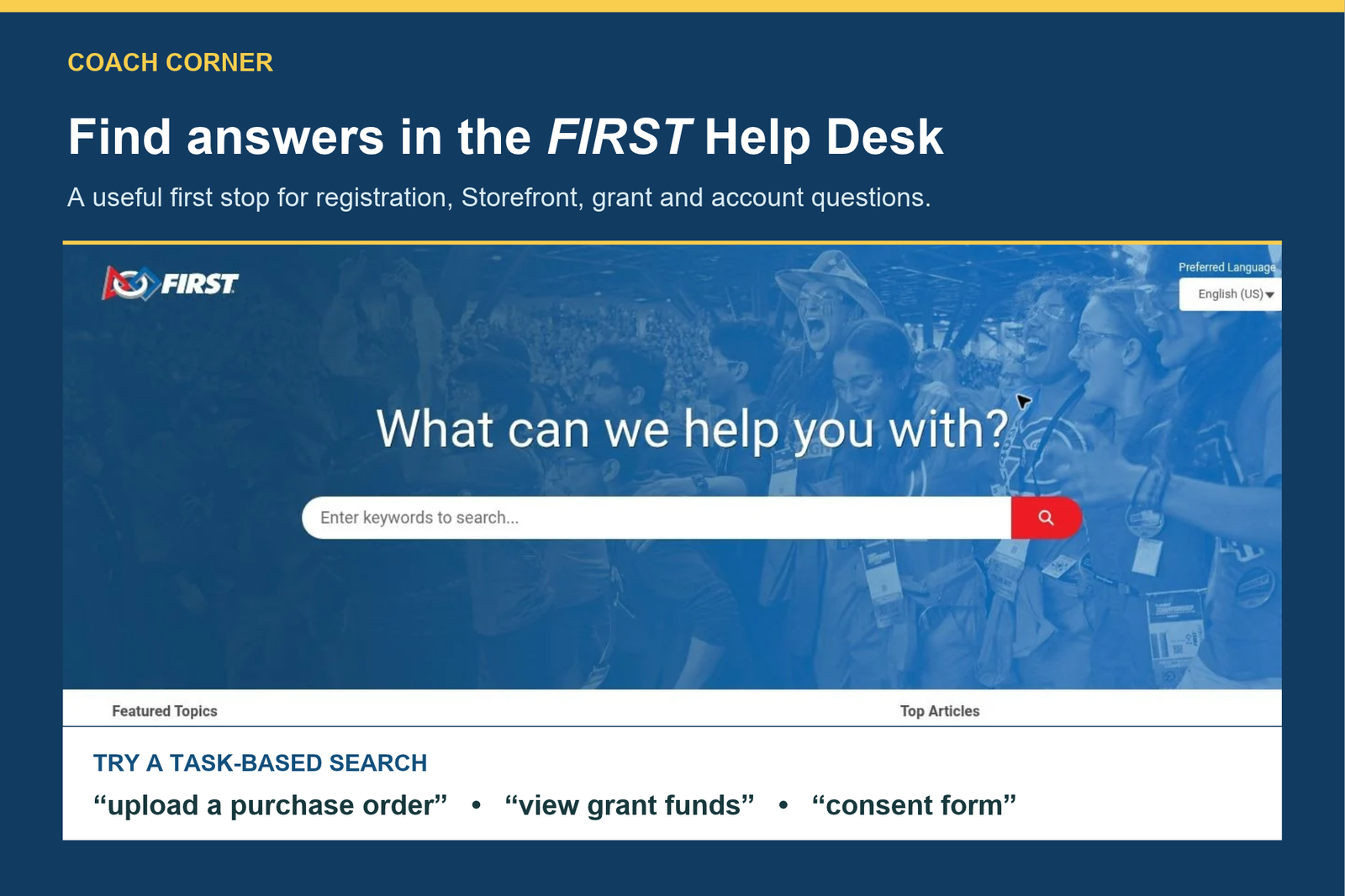
Once your placement is confirmed, sign in to your FIRST Dashboard, select your Future Edition team, and open the FIRST Storefront. Select Shop, find the $175 Texas qualifying event fee, and add it to your cart. If you still need to purchase FIRST HQ season registration, the Storefront requires it in your cart before you can add the event fee. The guide walks through checkout and includes instructions for purchase orders. Read the Texas Storefront checkout guide
Will we play against different teams in different matches?
Yes. Teams are randomly assigned to matches, so the team across the field can change from match to match.
Game Rules We’re Still Clarifying
- Where are the rules for how the two teams collaborate during the last 30 seconds of a match?
- Can teams use LEGO® pieces beyond those included in the competition materials?
- How should a team complete a mission that requires placing something on the opposing team’s field if there is no opposing team?
- Can the operator and technician use their tools to pass or toss Keystone Species and Resource tokens to each other?
- What are the robot height and width limits?
BIOGLOW Resources and Support
The coach call also covered the BIOGLOW game and how teams are evaluated. Use the season materials to review the rulebook and prepare with your team.
- BIOGLOW season materials for grades 3–8
- LEGO® Education getting-started resources for coaches
- FIRST Texas News & Season Updates
Questions about team setup, placement, or payment? Email texasinfo@firstinspires.org.