
Get Event Ready: Complete Your FIRST HQ Season Registration
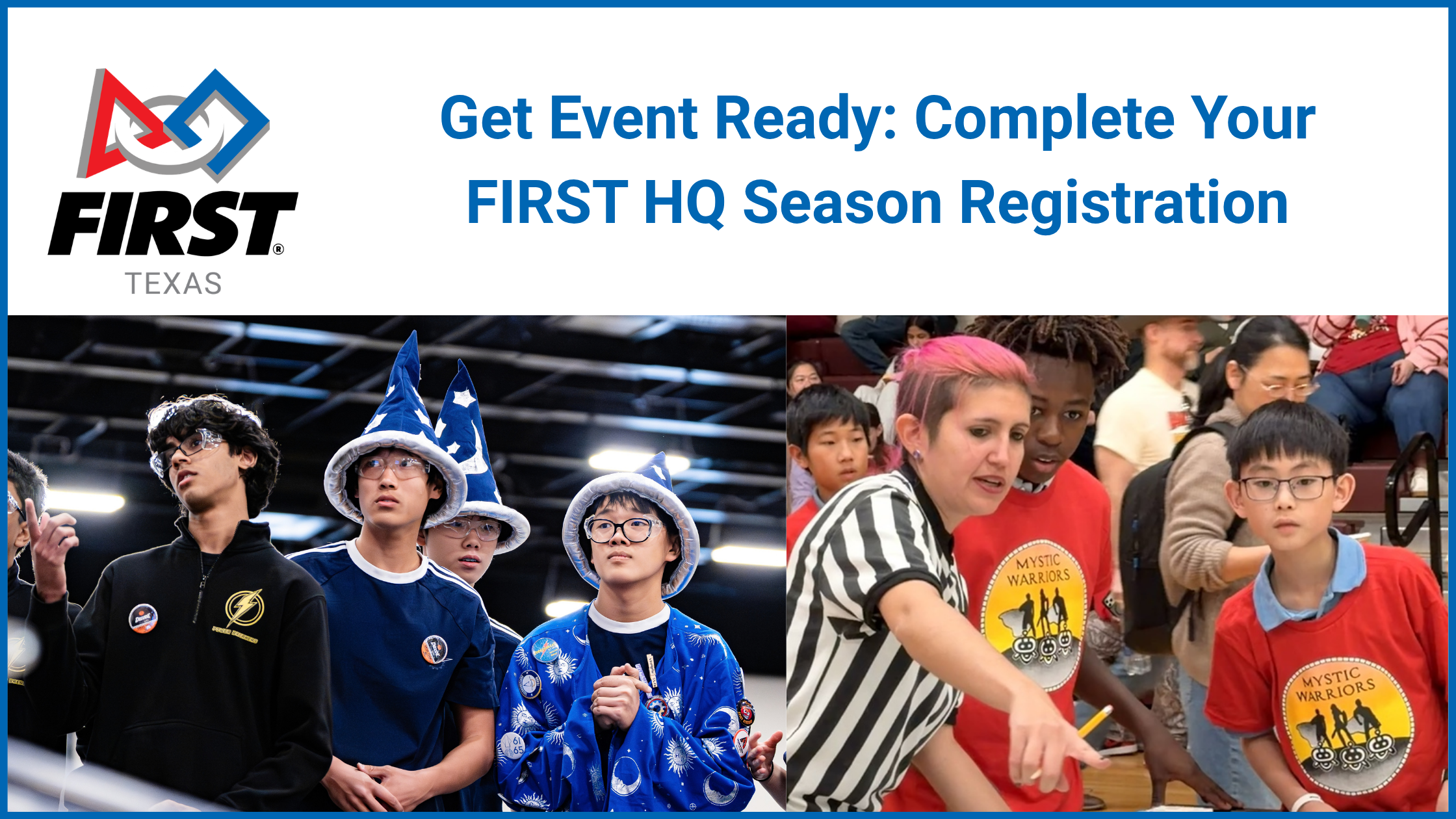
Preparing for your first Texas FIRST® LEGO® League (FLL) or FIRST® Tech Challenge (FTC) event starts with completing your FIRST HQ season registration requirements, including team setup, payment, coach requirements, and student enrollment.
Whether your team is new or returning, this guide provides:
A registration overview showing how HQ registration, Texas event fees, and event placement fit together.
An HQ registration checklist with links to FIRST support articles for completing each task.
Answers to common questions about financial guarantors, school purchasing and vendor paperwork, coach requirements, student enrollment, and grants.
Guidance for your first event, including roster preparation and links to current Texas payment expectations.
Use the checklist to identify outstanding tasks and open the linked instructions as needed. All HQ registration requirements must be complete before your first event.
Where HQ Registration Fits
| Part | What it includes | Guidance |
|---|---|---|
| 1. FIRST HQ season registration | Team setup, national registration payment, coach requirements, and student enrollment. | Follow the HQ registration checklist below. |
| 2. Texas event fee | The applicable Texas participation or event fee for your program and region. | Texas payment timelines and expectations |
| 3. Event placement | Your region’s process for selecting, requesting, or receiving an event or league assignment. |
FTC event preferencing
FLL event selection |
This guide focuses on Part 1: FIRST HQ season registration. The checklist below breaks HQ registration into individual tasks and links to instructions for completing each one.
For Texas fee payment and event placement, use the guides linked above. These parts may happen in a different order: while Texas fee payment is being finalized, event selection, preferencing, and assignments are already moving forward in some regions. Follow your region’s deadlines and complete your HQ requirements before your first event.
Your HQ Registration Checklist
Sign in to your FIRST Dashboard to begin. The checklist below walks you through the tasks within FIRST HQ season registration, from creating or updating your team and arranging payment to completing coach requirements and student enrollment. Each row includes links to instructions for that task.
Creating a team number or paying the national registration fee alone does not complete your HQ requirements. Both new and returning teams should review every item and confirm that coach requirements, student enrollment, and consent forms are complete before their first event.
Some tasks can happen at the same time. Start financial setup and coach screening early, then follow up with families on student enrollment and consent forms. Before attending, review and print your current team roster for check-in.
| Done | What to complete | Instructions and support |
|---|---|---|
| ☐ |
Create or update your team. New teams should create a team in the correct program. Returning teams should update their season participation, team information, and contacts. |
Create a team
FLL team creation and registration guide |
| ☐ |
NEW THIS SEASON: Review financial setup. If needed, connect your team to the correct financial guarantor and complete its approval before checkout. Review the financial guarantor guide for more details. This process can take 1-2 weeks and should be started soon |
Do I need a financial guarantor?
Upload a tax exemption certificate |
| ☐ |
Purchase HQ season registration. Open the FIRST Storefront through your team’s Dashboard and complete the registration purchase and applicable payment requirements. This step may need to wait for the financial guarantor to be approved. Teams should complete this step 2 weeks ahead of their first event or by Dec 1 at the latest. |
Create a quote
Upload a purchase order Get an invoice or receipt |
| ☐ |
Assign both lead coaches. Two adults, each at least 21, must accept the Lead Coach 1 and Lead Coach 2 roles. |
View and track team role requirements |
| ☐ |
Complete both coaches’ requirements. Each coach must complete the required consent form, Youth Protection acknowledgment, annual training, and screening shown in their account. |
View individual requirements
Access Youth Protection screening |
| ☐ |
Enroll participating students. Invite students, share enrollment instructions with families, and accept pending team applications. Confirm students appear on the correct roster. |
Invite students through Express Enrollment
Invite students through the Dashboard |
| ☐ |
Complete student consent forms. Each student needs a current-season FIRST Consent and Release Form. Parents or guardians complete forms for students under 18; students 18 or older sign their own. |
Youth registration and parent/guardian guidance |
| ☐ |
Review and print your roster. Confirm participating coaches and students are listed and required forms are complete. Bring a current printed FIRST team roster to every event and submit it at check-in. |
Review your team roster in the FIRST Dashboard. |
Frequently Asked Questions
Choosing an FLL program or edition?
Founders Edition and Future Edition have different equipment requirements and Texas event opportunities. Review our FLL registration guide and FLL Frequently Asked Questions before purchasing.
Paying through a school or organization?
Financial guarantor setup may be needed for purchase orders, tax exemption, or organizational purchasing for multiple teams. New and returning teams should coordinate with their purchasing staff before checkout.
Returning coaches?
Check your Dashboard requirements each season. School or district background checks do not replace FIRST requirements. Start early so outstanding items can be resolved before student enrollment and your first event.
Our school or district needs a vendor packet. Where can we get help?
For a W-9, review FIRST’s Can I have a copy of the W-9 for FIRST? help article.
If your school or district requires additional vendor forms or a vendor packet, contact customerservice@firstinspires.org. Attach the required paperwork and include your team number(s), school or district name, purchasing contact, and any deadline.
For help coordinating Texas registration questions, email texasinfo@firstinspires.org.
Enrolling younger FLL Challenge students?
Some students may need an age exemption and enrollment assistance. Review the FLL FAQ and email texasinfo@firstinspires.org with the team number and reason for your request.
Using a grant?
If you need an awarded grant for your purchase, confirm it appears in your account before checkout. Review how to apply grants. Visit Texas Team Grants for funding updates.
Applying for or Waiting on a Grant?
FIRST Texas has concluded its first round of team grants. We expect additional funding opportunities to arise over the next few months as sponsor funding becomes available. Visit our Team Grants page for application information and updates.
We encourage FLL and FTC teams with funds available to complete HQ season registration now rather than wait for a possible future grant. Completing registration helps secure your team’s participation in the season and helps us plan Texas event capacity.
Grant funds awarded to your FIRST Dashboard can support eligible FIRST Storefront purchases, including Texas event registration when available, subject to the award’s restrictions and expiration date. Paying your HQ season fee now may still leave opportunities to use later awards for event registration or other eligible storefront items.
If you are expecting a specific grant and need those funds for your current purchase, wait until the grant appears in your account before checking out. Do not assume a later grant can be applied retroactively to an order you have already completed.
Review FIRST’s guidance on using grant funds after registration fees have been paid.
What Does This Mean for Your FIRST Texas Event?
Completing this checklist prepares your team’s HQ registration, coach clearances, and student paperwork for event participation. A team number or paid national fee alone does not complete these requirements.
All HQ requirements must be complete before your first event. Your team must also have confirmed event placement and follow the applicable Texas fee payment expectations.
Texas fee payment is not yet open, and payment expectations have been adjusted to account for the delay. Review our Texas Event Registration Update for the expectations that apply to your program.
Need Help?
For HQ registration, Dashboard, Storefront, or screening questions, visit the FIRST Help Center.
For Texas payment or event-placement questions, email texasinfo@firstinspires.org.