
Event Photography
Starting this season, all FIRST Texas photos across all programs and events will be hosted on SmugMug! The direct link for public albums is: https://photos.firsttx.org/. This platform is a great tool for viewing, sharing, and downloading.
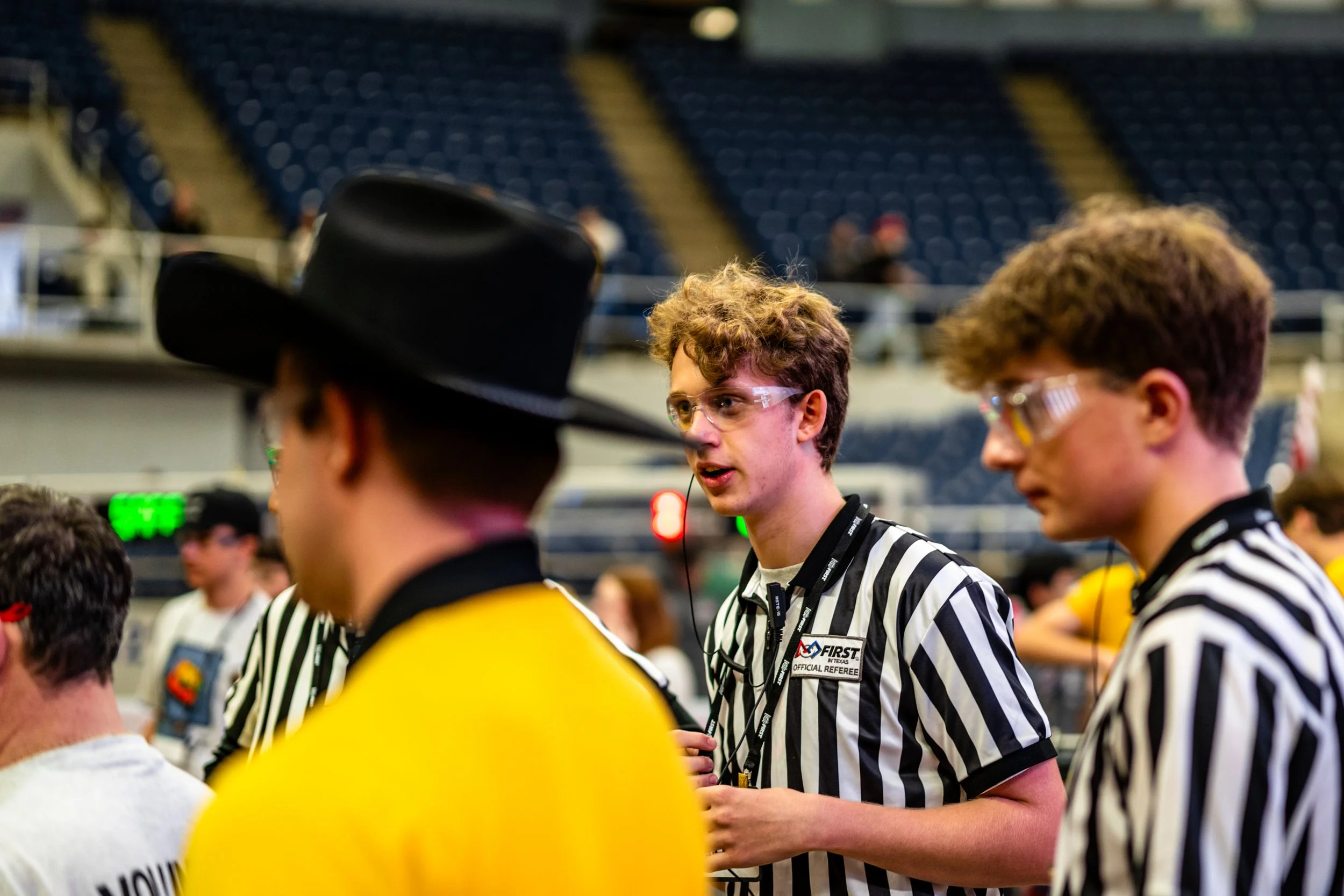
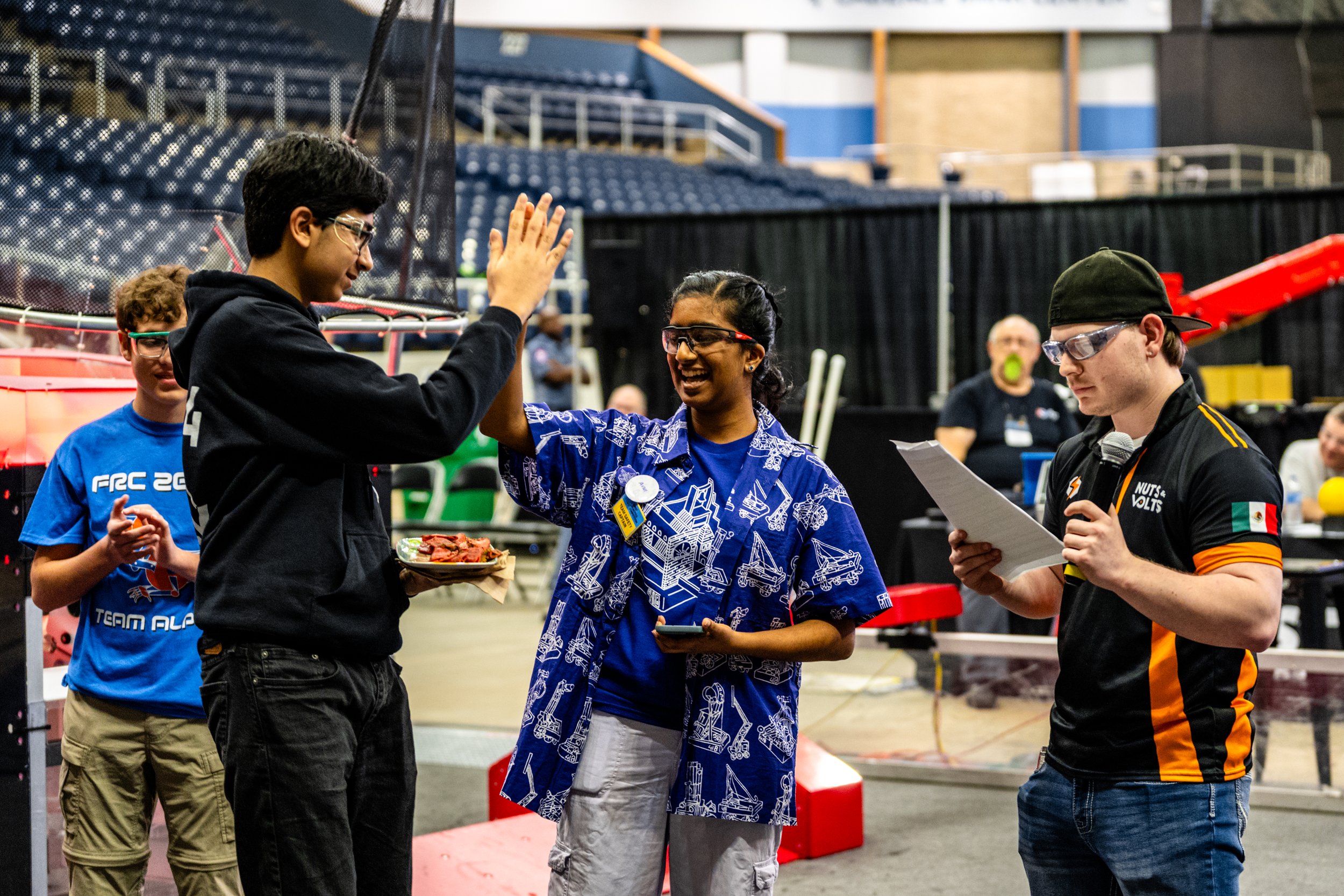
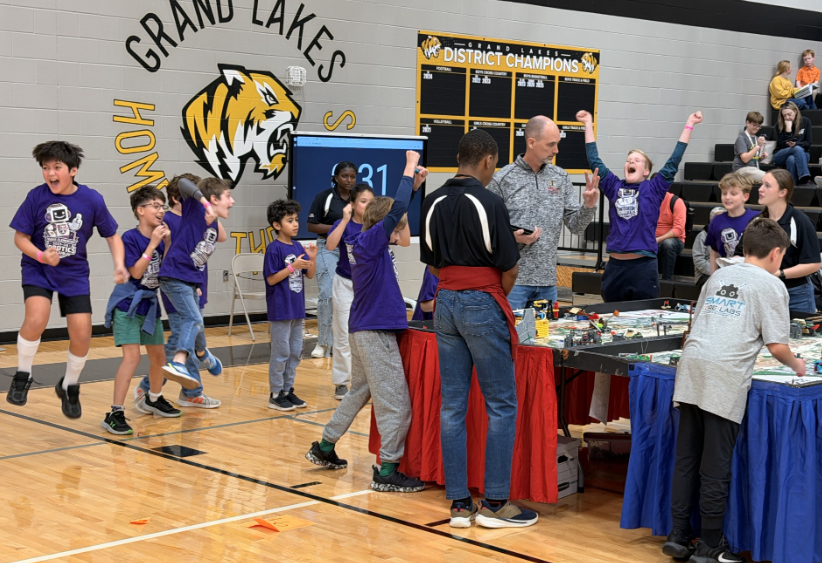
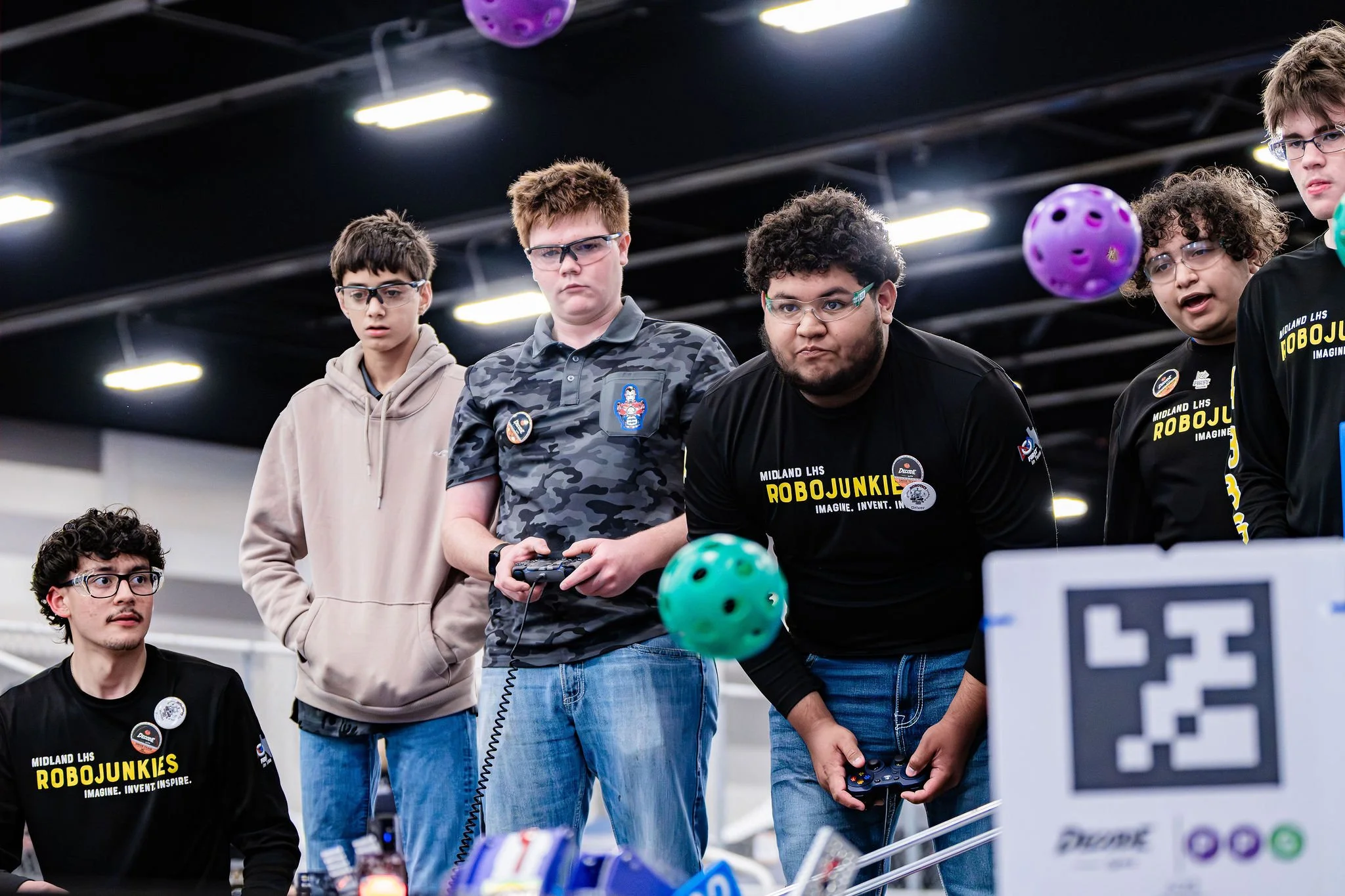
Add Your Event Photos
We need your help to get event photos on our website! Photo galleries will be created upon request.
Send a request to texasinfo@firstinspires.org to create a new Photo Gallery. Please state the name as “Program + Region + Event Name”. We can also create a gallery for multiple events such as League Meets.
We will add the Photo Gallery to the program and year for public viewing.
You will be provided with an Internal Only Upload Link that allows automatic uploading of media to a gallery. Alternatively, you can request a Public Upload Link where the general public can upload photos to an unlisted album for screening.
Photography Best Practices
Before uploading, please remove any duplicates or similar photos.
Aim for high-quality photos versus uploading everything.
Action shots showing students actively engaged or students smiling directly at the camera are ideal.
Bright and high-resolution photos are preferred.
For SmugMug managers:
To add a new photo gallery or folder, go to: SmugMug Site Organizer
Generate Internal Only Upload Link:
Automatically adds to Gallery: This link can be used by an RPA, event host, or event photographer to upload photos to a gallery. They will automatically appear in the specific gallery.
Go to Gallery Settings
Security Tab
Type a key and copy the link that appears.
For example, here is a link to the Cowtown library: https://firsttx.smugmug.com/upload/gTG7K5/cowtown. Link can be shared with others to add photos. Click done, and the photos will appear in the public gallery.